
With the necessary permissions, you're able to make adjustments to your site's business hours. To do so, simply navigate to the Business Hours sub-tab of the Settings tab.
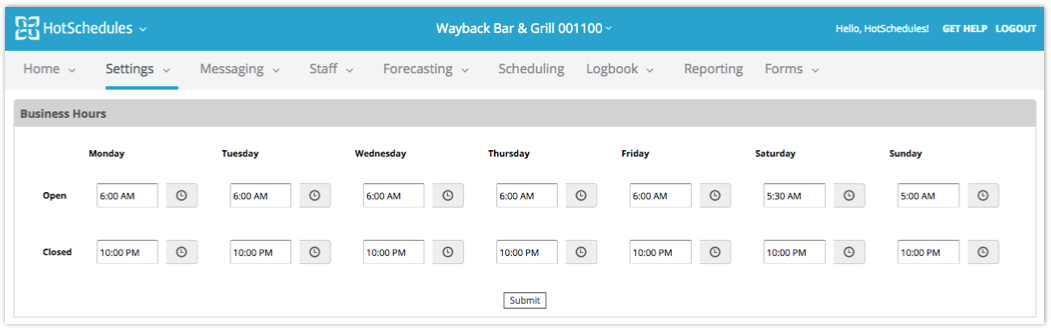
From there, either place your cursor in the field you wish to change and type in a new time, or select the clock icon.
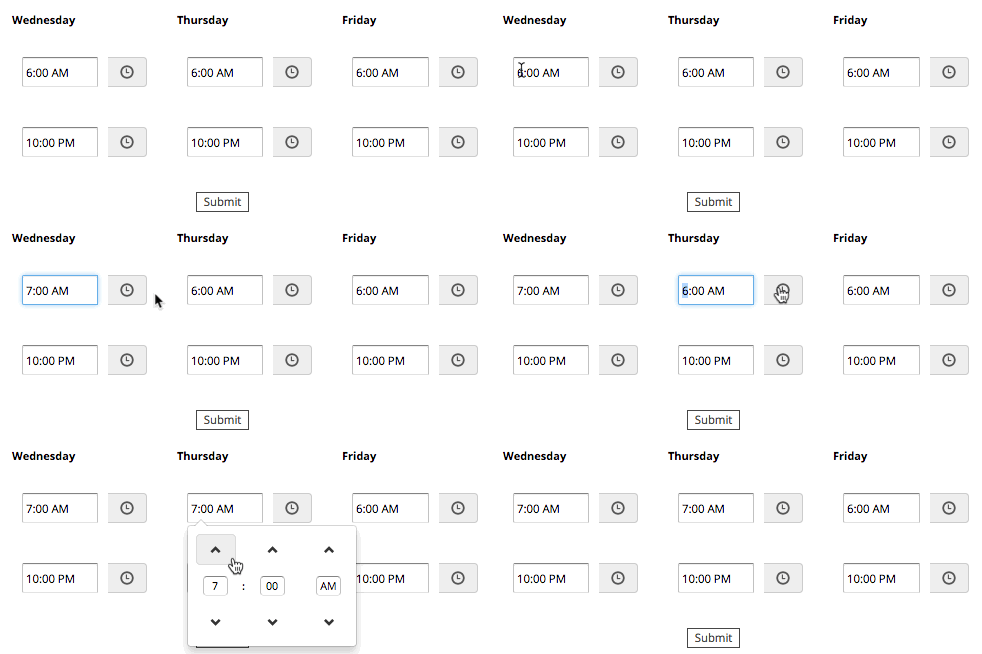 |
When you've made your changes, simply select SUBMIT and you're done!
Comments
Please sign in to leave a comment.