
Navigate to Hire > Recruiting > Manage Requisitions, then select the Req # or Add New
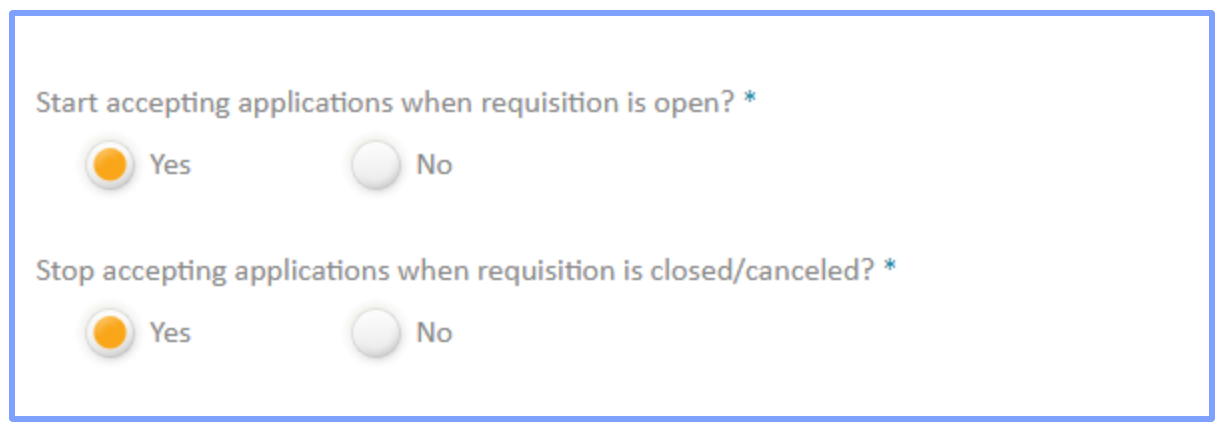
To control how many of these positions are hired, the Recruiter Admin would select “No” at Stop Accepting Applications When the Requisition is Closed/Canceled. This allows applications to still be submitted for that position after the Requisition is cancelled or closed.
In the situation that a company wants a position to require requisitions at only select locations, they would have to add separate positions into the company settings to accept applications without the requisition.
Comments
Please sign in to leave a comment.