
When attempting to install the HotSchedules Integration Agent on your back office computer, you may encounter the dreaded blue bar with no code:

Resolution:
- First, try refreshing the browser. The code should come up at that point. If not, continue to step 2.
- Open a command window, and have this running as Administrator.
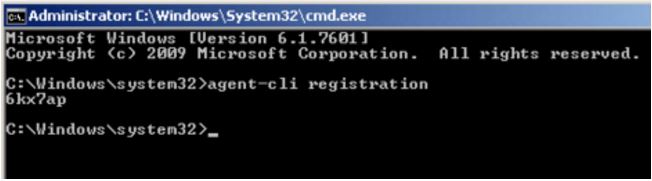
- Enter the command: agent-cli registration and the 6 digit code will populate:
If you do not get the code at this point and see:

- Go to the services and ensure that the below services are running:
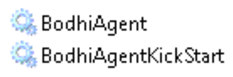
- Once these services are running you can try running the below commands:
- agent-cli restart
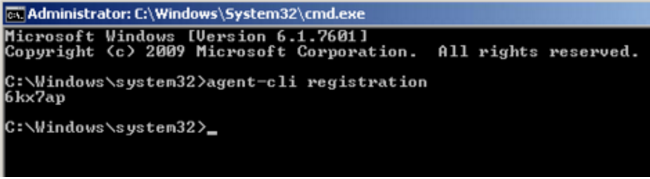
- agent-cli registration
- You should get the code as seen below:
- If you are still not getting a registration code you can try:
- agent-cli check-connection
- You should see:
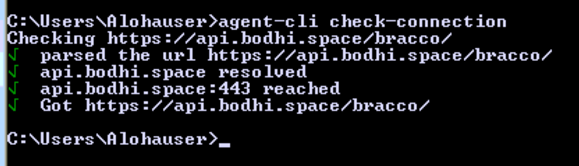
- If you do not see all four green checks it's probably a whitelisting issue. You can first try to get out to https://hotschedules.io in a web browser. You should be able ot get a response of ["ping":"true"] (The HS Integration Fact Sheet article has more information about whitelisting requirements.)
- If all four green checks are present you can try:
- agent-cli reset
- agent-cli restart
- agent-cli registration
- If all else fails, our Customer Care team is here to help! Reach out to them at Customer Support and let them know you are having trouble getting your Agent registration code to populate.
- You may also be interested in the following articles:
Comments
Please sign in to leave a comment.