
Log into the Above Store Console> Forecasting Tab> Labor Rules> Select the Rule by clicking once on the name> then you should see a green symbol to add a store to the rule.
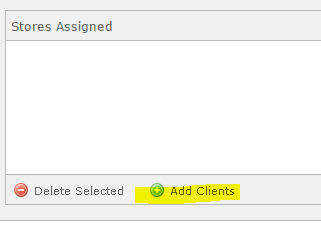
You will a separate popup which lists all stores. Check mark any store you would like added to this labor rule.
Download Our App
Comments