Once you have created a market list, how do you delete it completely in Ordering? In my attached example, we want to delete the essentials list completely. Thanks Simon
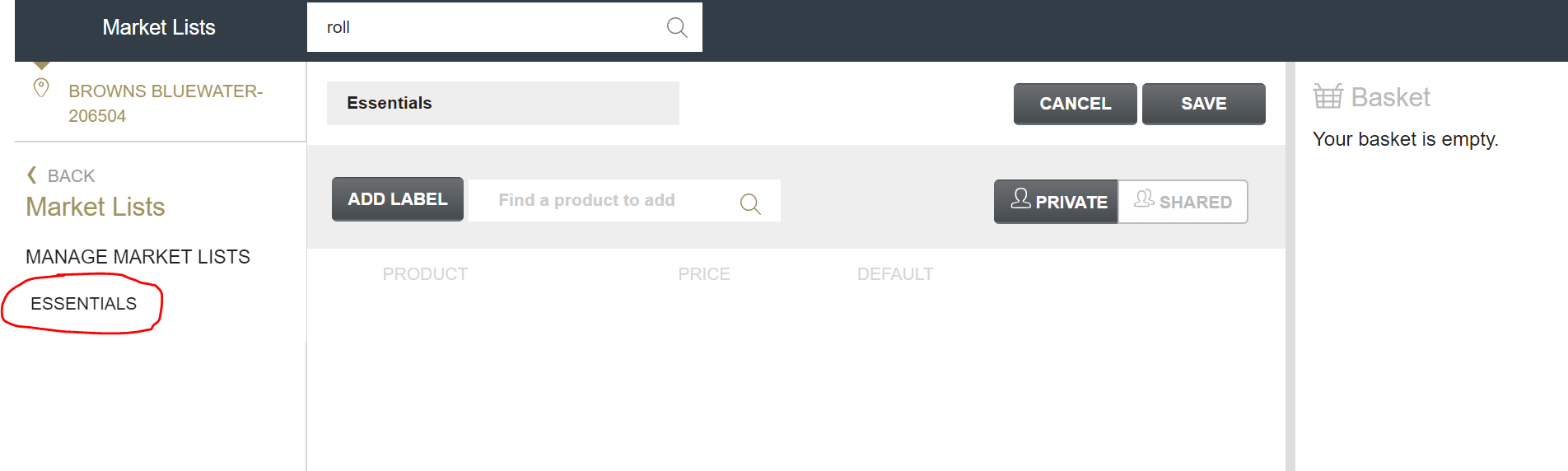

Once you have created a market list, how do you delete it completely in Ordering? In my attached example, we want to delete the essentials list completely. Thanks Simon

Hi Simon,
Thanks for getting in touch with your question.
If you go to 'Manage Market Lists' within the Market Lists section, you can delete it from there. Just look for the bin icon.
Moty
Hi Moty, unfortunately we don't see a bin Icon. We see a bin icon to delete a product, but we want to delete the actual list name itself. On the screen grab its the list name Essentials.
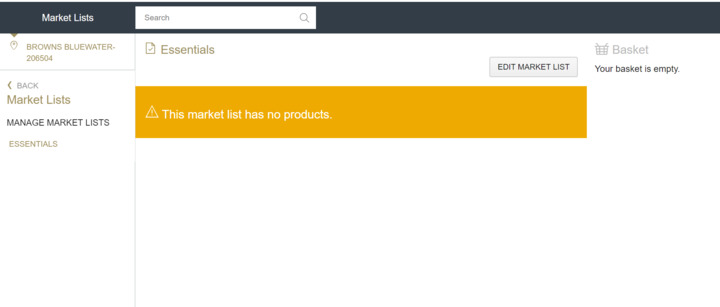
Hi, is there anymore advice on this please?
Thanks
@Moty Dimant Can you advise any further please?
Thanks
Simon

@Simon Madders, if you click on "Manage Market Lists" (seen on the screenshot you provided) it will show you a list with all market lists and options to copy, edit or delete them.
Please, try and let me know how it goes.
Johann
Please sign in to leave a comment.
Download Our App
Comments