
Stay in the know by creating custom Notes Reports in the DigitalRedBook. It will display any notes meeting the criteria you select.
Follow these steps to create a notes report:
- Tap the Reporting menu option.

- Tap + Create Report.

- Tap Notes.
- Pick the time period for the report results.
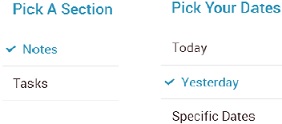
- Change the report criteria if you need to.
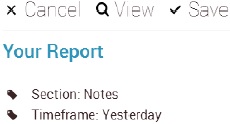
- Tap View to run the report.
Comments
Please sign in to leave a comment.